How to Create an ATS Friendly Resume That Gets Hired
By Muhammad Abdullah · October 24, 2026
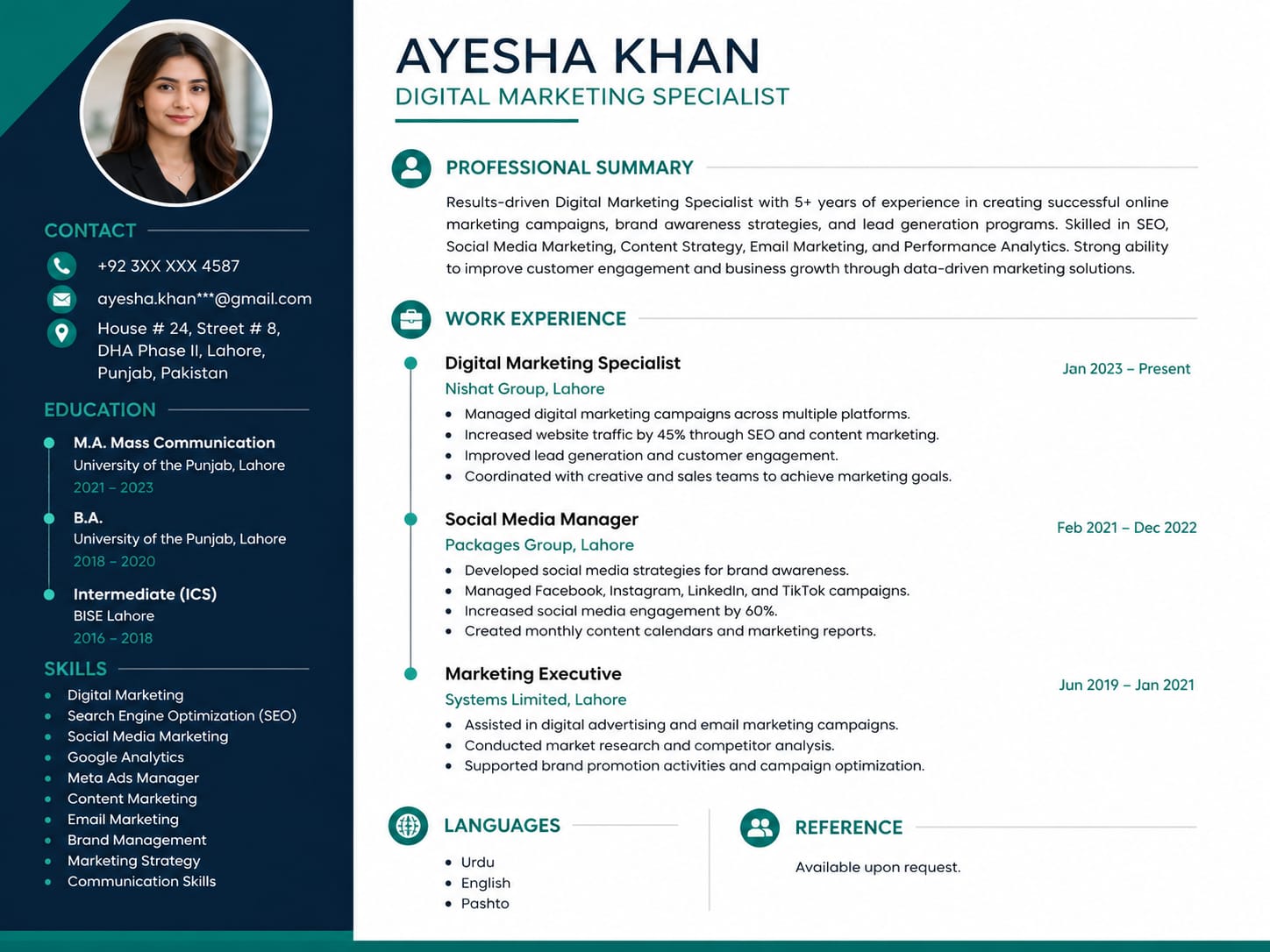
An ATS friendly resume is a specially formatted job application document designed to be easily read, parsed, and scored by Applicant Tracking System software before a human recruiter sees it. By utilizing simple layouts, standard typography, clear headings, and contextually accurate job keywords, your resume passes automated filters and lands directly on the hiring manager's desk in Pakistan, the UAE, or anywhere globally.
Why Do Employers Use Applicant Tracking Systems?
As a professional resume writer working with clients across Karachi, Lahore, Dubai, Riyadh, and remote international markets, I frequently encounter job seekers wondering why their applications disappear into a black hole. The answer lies in recruitment automation. Corporate job postings regularly receive hundreds or thousands of applications within a few days. HR teams rely on Applicant Tracking Systems like Workday, Taleo, Greenhouse, and Lever to parse every document, rank applicants based on keyword matching, and filter out unqualified candidates.
If your CV contains complex design elements, irregular fonts, or unparseable text boxes, the automated reader fails to process your information. As a result, your file receives a low match score or gets rejected outright—regardless of how qualified you actually are for the role.
What Makes a Resume ATS Friendly?
Building an ATS friendly resume isn't about creating an unattractive document. It is about balancing clean readability for software with professional aesthetics for human hiring managers. Modern recruitment tools look for structured text, predictable layout order, clear chronological work histories, and exact phrases that match the employer's job description.
When the system scans your file, it categorizes your information into standardized fields: Contact Information, Executive Summary, Core Competencies, Professional Experience, Education, and Certifications. If your resume splits text into non-traditional columns or places critical contact details inside header margins, the software misinterprets or completely ignores those data points.
An ATS does not reward visual flair or decorative graphics; it rewards clarity, relevant technical keywords, and linear structural hierarchy.
Step-by-Step Guide to Structuring Your Resume for ATS Success
To guarantee your resume passes through automated screening, follow a methodical layout strategy. Start with standard top-to-bottom single-column or simple multi-column formatting, avoiding overlapping elements or design shapes.
First, use web-safe, universal typography such as Arial, Calibri, Helvetica, or Georgia in standard body sizes (10 pt to 12 pt). Avoid custom downloaded fonts that an ATS parser cannot render. Second, stick to universally recognized section titles. Name your work history 'Work Experience' or 'Professional Experience' rather than creative alternatives like 'My Journey' or 'Where I Have Been'.
Third, carefully analyze the job description you are targeting. Identify core technical skills, hard tools, project management methodologies, and soft skills listed under requirements. Integrate these exact terms naturally into your bullet points, demonstrating how you applied those competencies to drive tangible business outcomes.
Essential Checklist for an ATS Friendly Resume
- Save your document as a clean Microsoft Word (.docx) file or an unflattened, searchable PDF format.
- Use conventional section titles such as Summary, Professional Experience, Education, and Skills.
- Place your phone number, email address, LinkedIn URL, and location directly in the document body, avoiding top/bottom page header areas.
- Incorporate exact target keywords extracted directly from the job vacancy advert.
- Format dates consistently across all employment positions (e.g., MM/YYYY or Month YYYY).
- Use classic bullet points instead of custom icons, graphic arrows, or rating bars.
- Eliminate tables, text boxes, images, pie charts, and embedded graphics entirely.
Common Formatting Mistakes That Cause ATS Rejection
One of the most frequent errors candidates make is creating graphic resumes using platforms like Canva. While visually attractive to the human eye, graphic templates convert text into design layers or elements that ATS parsers interpret as blank spaces or unreadable symbols. Similarly, placing text inside graphic tables often causes the parser to read across columns horizontally, jumbling your job titles, company names, and dates into unreadable nonsense.
Another common pitfall is 'keyword stuffing'—white-text tricks or repeating terms unnaturally. Modern applicant tracking systems identify artificial keyword density and flag documents for manual rejection. Keywords must always appear in full contextual sentences that describe your authentic achievements and daily duties.
Tailoring an ATS Resume for Gulf and Pakistani Job Markets
For candidates targeting job opportunities in Pakistan, Saudi Arabia, or the UAE, localized ATS optimization requires attention to regional expectations. Multinational organizations operating in Dubai, Abu Dhabi, or Karachi frequently run enterprise ATS software configured with strict filters.
For example, if you are applying for a Digital Marketing Manager role in Dubai, ensure your resume explicitly highlights quantifiable channels, systems, and metrics. Instead of writing 'Managed social ads and increased sales,' write 'Optimized Google Ads and Meta campaigns using Shopify Analytics, driving a 35% increase in conversion rate.' This sentence satisfies both the ATS parser looking for tools ('Google Ads', 'Meta', 'Shopify Analytics') and the recruiter seeking measurable impact.
Frequently Asked Questions
Is PDF or Microsoft Word better for an ATS friendly resume? Most modern applicant tracking systems parse searchable PDF files accurately while retaining your formatting. However, if a job portal specifically requests a .docx file, always upload Microsoft Word format to prevent parsing errors.
How can I test if my resume is ATS friendly for free? A simple test is to open your document, attempt to highlight and copy the text, and paste it into a plain text editor like Notepad. If the pasted text appears in logical order without missing words, overlapping sections, or strange symbols, an ATS can parse it successfully.
Can I use colors, bolding, and bullet points on an ATS resume? Yes. Standard bold text, clean color highlights for headings, and standard solid round bullet points do not interfere with ATS software and help human recruiters scan your profile easily.
Creating an ATS friendly resume that satisfies both automated algorithms and hiring directors requires strategy, precise formatting, and industry expertise. If you want a professionally crafted, keyword-optimized resume that lands interviews in Pakistan, the Gulf region, or global remote markets, visit muhammadabdullah.online to get started with expert resume writing services today.
Ready for resume writing?
See the full scope, process, and pricing — or book a project directly.
Explore Resume WritingMore Resume posts
7 ATS Resume Mistakes That Get You Rejected (And How to Fix Them)
Abdullah, a professional resume writer, breaks down the 7 most common ATS resume mistakes that get applicants filtered out before a recruiter ever reads the resume.
Read postHow to Write a Resume Summary That Gets Interviews (With Examples)
Abdullah shows you exactly how to write a resume summary that recruiters actually read — with real before/after examples for marketing, engineering, and finance roles.
Read post